Quick Facts Before You Start
You need a registered tap555 account before you can deposit. No account yet? Create one here — it takes under two minutes.
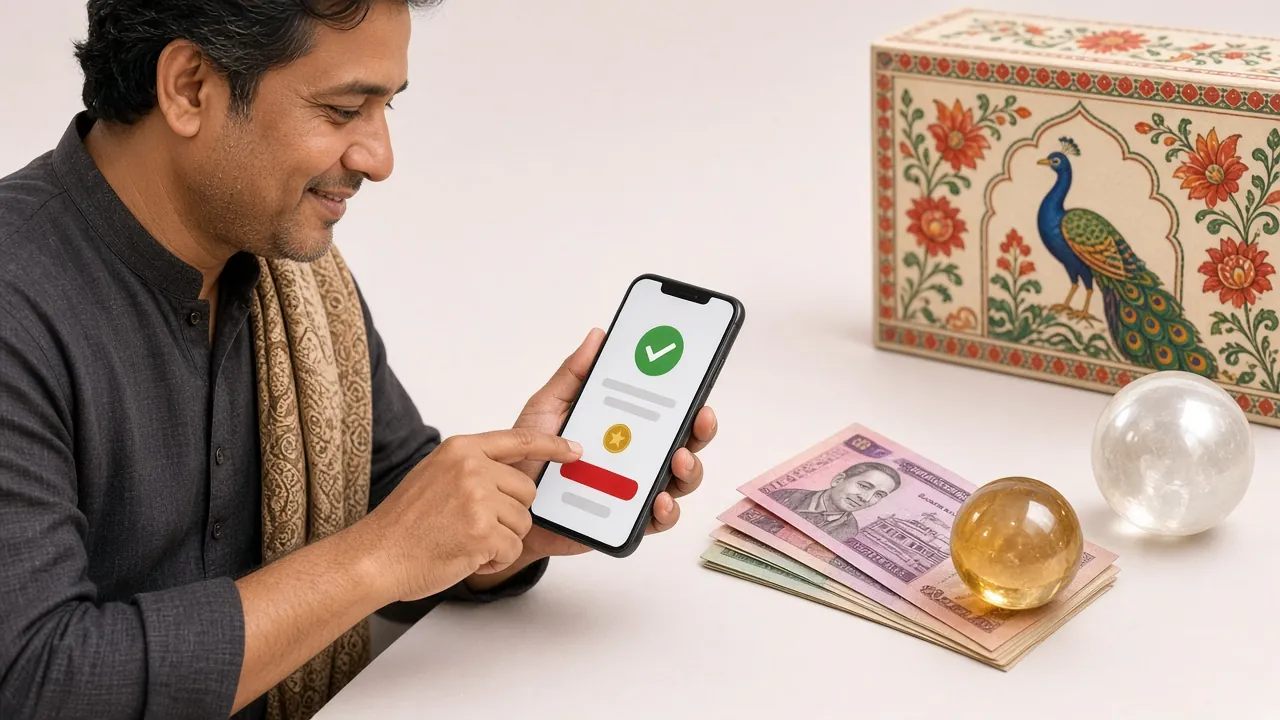
Payment Methods at a Glance
tap555 supports four deposit channels. All are available around the clock. Pick whichever you have on your phone right now.
How Does a tap555 Deposit Work?
The flow is the same whichever payment method you choose. The method-specific steps below only differ at the payment stage.
-
1Log in to your account
Open tap555 in your browser or the app. Enter your username and password on the login page.
-
2Open the Cashier
Tap the wallet icon or select "Deposit" from the account menu. The cashier opens in the same window.
-
3Choose your payment method
Select bKash, Nagad, Rocket, or Bank Transfer. Each shows the merchant number to send to.
-
4Send money and confirm
Complete the payment in your mobile banking app. Enter the transaction ID back in tap555 and tap "Confirm".
Tip: Always copy the transaction ID from your bKash/Nagad SMS before closing it. You will need it in step 4. If you close the SMS first and then can not recall the ID, check your payment app's transaction history.
bKash is the most popular method for Bangladesh players on tap555. The whole process takes about two minutes on your phone.
-
1In the tap555 cashier, select bKash. The page shows the merchant bKash number. Copy it.
-
2Open your bKash app and go to Send Money. Paste the merchant number into the recipient field.
-
3Enter the amount. Minimum is ৳200. Add a reference note matching your tap555 username if the form asks for one.
-
4Enter your bKash PIN and confirm. You receive an SMS with a Transaction ID (TrxID).
-
5Go back to tap555. Paste the TrxID into the confirmation field and tap Submit.
-
6Your balance updates in about 5 minutes. A green notification confirms the credit.
Watch out: Do not send to a personal bKash number shared in a chat or Telegram group. Only use the number shown inside the official tap555 cashier page. Fraudsters sometimes pose as support agents.
Nagad is run by Bangladesh Post Office and works identically to bKash from the player's side. If you use Nagad for everyday transactions, this method will feel instant.
-
1In the cashier, select Nagad. Note the merchant number displayed.
-
2Open Nagad app → tap Send Money → enter the merchant number.
-
3Type the amount (minimum ৳200). Double-check the number before proceeding.
-
4Confirm with your PIN. You will get an SMS confirmation with an ID number.
-
5Return to tap555, paste the transaction ID, and hit Confirm Deposit.
-
6Balance updates within 5 minutes. Contact live chat if it takes longer.
Rocket (by Dutch-Bangla Bank) is a good backup if your bKash or Nagad balance is low. It supports both app-based and USSD-based transfers.
-
1In the cashier, pick Rocket. The tap555 Rocket merchant number appears on screen.
-
2In the Rocket app, choose Send Money. Enter the merchant number carefully — Rocket numbers often start with 018.
-
3Enter your deposit amount. The minimum is ৳200.
-
4Complete the payment using your PIN. Save the confirmation SMS.
-
5Submit the transaction ID in the tap555 cashier confirmation screen.
-
6Credit arrives in about 5 minutes. If not, reach out via 24/7 live chat.
If you prefer sending directly from your bank account, tap555 accepts online bank transfers. The process takes the same number of steps, though clearing can depend on your bank's schedule.
-
1In the cashier, select Bank Transfer. The tap555 bank account details (account name, number, routing) appear.
-
2Log in to your online banking portal. Go to Fund Transfer or BEFTN/RTGS.
-
3Enter the account details exactly as shown. Minimum transfer is ৳200.
-
4In the remarks field, write your tap555 username. This helps the team match your payment faster.
-
5Complete the transfer and note the transaction reference from your bank confirmation screen.
-
6Submit the reference in the tap555 cashier. Credit arrives in about 5 minutes after the bank releases the funds.
Bank tip: BEFTN transfers from some banks clear faster during business hours. If your bank is slow, bKash or Nagad is usually the quickest alternative.
What tap555 Gives You on Your First Deposit
Your first deposit triggers the welcome bonus automatically — you do not need a promo code. Here are the exact terms.
Why Did My Deposit Not Arrive?
Most delays have a simple fix. Here are the situations tap555 support sees most often, with what to do in each case.
Questions Players Ask About Deposits
1 What is the minimum amount I can deposit into tap555?
2 How long does it take for my deposit to show in my account?
3 Do I need to verify my account before my first deposit?
4 Can I deposit using someone else's bKash number?
5 Is the tap555 welcome bonus applied automatically?
6 What happens if I sent money to the wrong number?
7 Can I deposit through the tap555 mobile app?
8 Are there any deposit fees on tap555?
Ready to Make Your First tap555 Deposit?
Open an account in under two minutes, add ৳200 or more via bKash, Nagad, Rocket, or bank transfer, and your 180% welcome bonus lands automatically.
18+ · Play within your means · Wagering applies · Bonus valid 7 days